


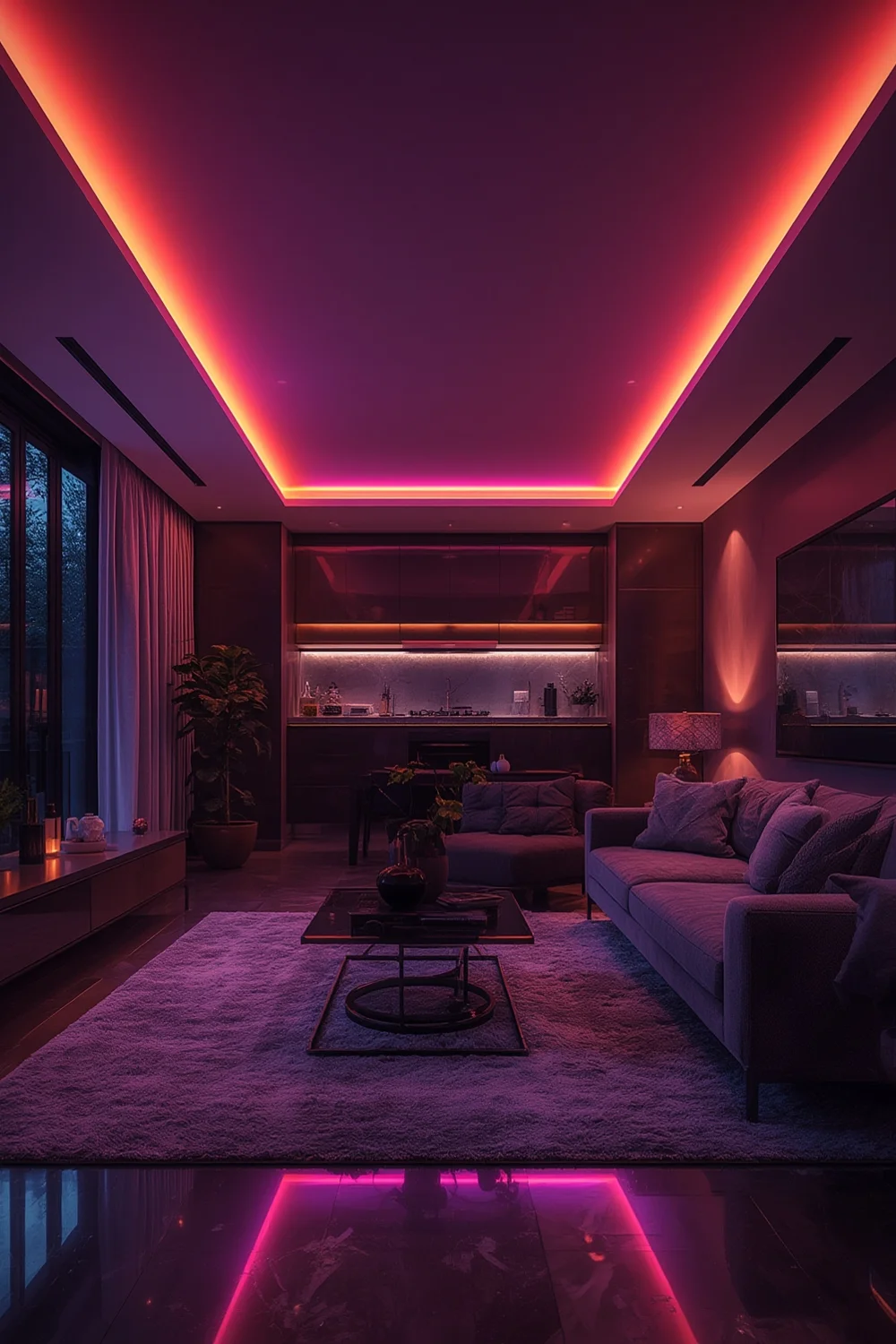
Smart LED Light Strips are transforming home and commercial lighting thanks to their flexibility, app connectivity, and ability to set any mood. Whether you’re accenting a workspace, outlining a kitchen, or energizing a living room, these lights deliver both style and function. But before you upgrade, clear insight into the latest trends, features, and real-world pitfalls is crucial.
Key Takeaways
- The global smart LED light strips market is growing fast, driven by smart home trends and energy efficiency demands.
- Not all products offer seamless integration or painless installation—compatibility checks and planning are crucial.
- Performance, longevity, and smart features vary. Smart shopping means comparing specs, connectivity, and support before buying.
- What Are Smart LED Light Strips and How Do They Work?
- How to Choose and Install Smart LED Light Strips: Step-by-Step
- Advanced Analysis & Common Pitfalls
- Conclusion
- Frequently Asked Questions
What Are Smart LED Light Strips and How Do They Work?
Smart LED light strips are flexible, adhesive-backed lighting solutions that can be placed almost anywhere to deliver customizable illumination. Controlled by an app or voice commands, they let you set color, brightness, and effects right from your phone or virtual assistant. These products combine practical lighting with versatile design—perfect for accent walls, under cabinets, shelves, or entertainment systems.
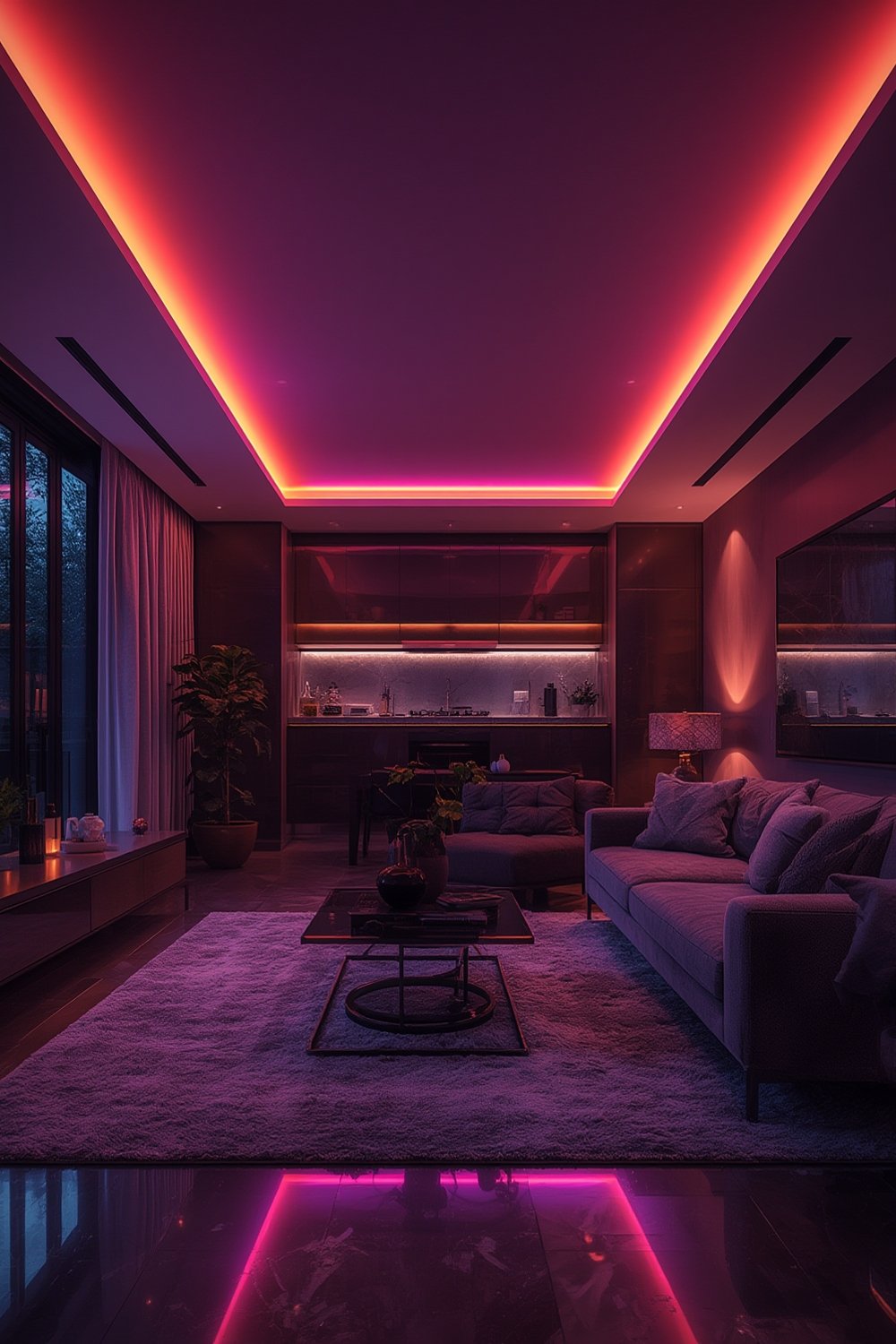
What makes these strips “smart” is their native integration with Wi-Fi or Bluetooth networks, allowing for remote control, automation, and voice commands through platforms like Alexa or Google Assistant. According to industry reports, adoption is rising worldwide with the LED strip market expected to top $2.97 billion by 2030, thanks in part to sustainable lighting mandates and urban design trends.
Their flexibility, ease of use, and ability to “set the mood” for different occasions or rooms make them increasingly popular for both residential and commercial spaces. If you haven’t yet experienced the difference a connected, colorful light strip can make, you’re missing out.
For more context on modern lighting options, see our guide to kitchen under cabinet lighting ideas.
How to Choose and Install Smart LED Light Strips: Step-by-Step
Choosing the right smart LED light strip means more than picking a favorite color. Here’s how to confidently select and set up your strips for maximum effect.
- Assess Your Space and Purpose
Measure the area where you want to install the strip. Consider: Total length needed, bends and turns, and nearby power outlets. Decide if you’re highlighting a kitchen, a hallway, or a TV backlight—it will affect your choices. - Compare Product Specifications
Look at LED type (5050 for brightness and color, 3528 for thin, subtle runs), supported color options (RGB only or tunable white?), and connectivity (Wi-Fi, Bluetooth, or both). Check compatibility with your existing smart home system (like Alexa, Google Home, or Apple HomeKit). - Check Integration and Control
Can the strip be grouped with other smart devices? Does the companion app offer scheduling and automation? User-friendly apps from companies like Philips Hue and Govee get praise for their reliability and smart routines. - Prepare Your Surface
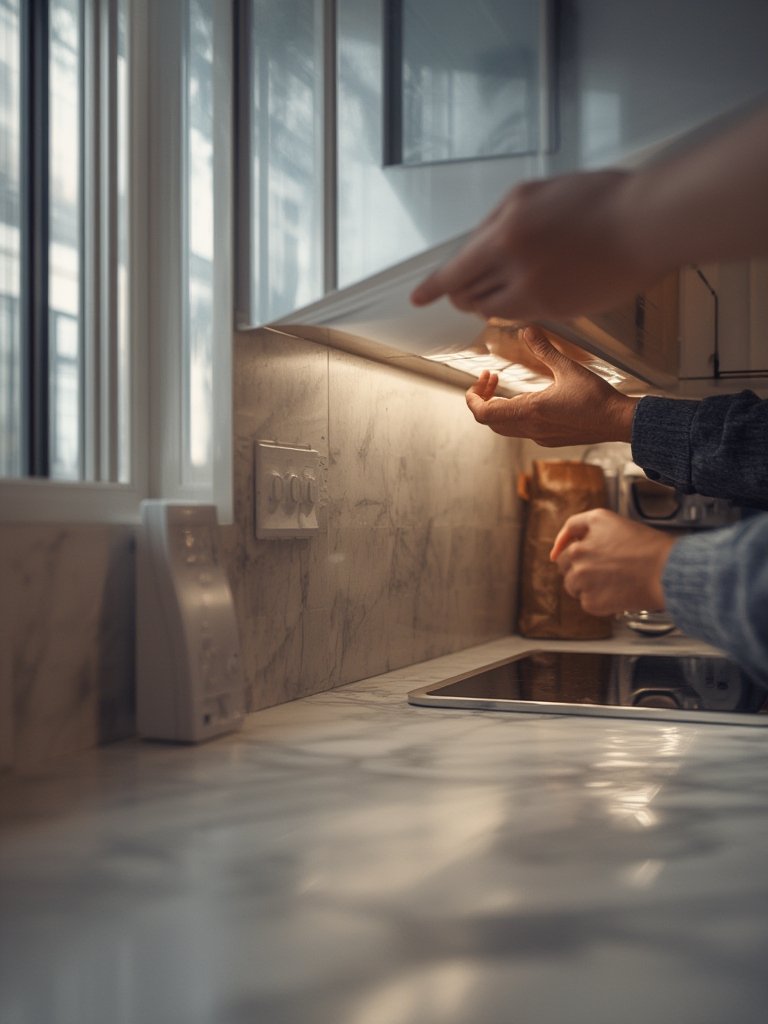
Clean and dry the area. Some surfaces may need extra adhesive. Plan where you’ll hide the power supply and connectors. - Install and Connect the Strip
Peel, stick, and press the strip in place, following manufacturer guidelines on curves and cuts. Connect to the controller box and adapter. Use the app to connect to Wi-Fi or Bluetooth, then test basic functions before finalizing cable management. - Customize Your Lighting Scenes
Experiment with color, brightness, and schedules. Use automation to save energy—lights off when you leave or set to mimic sunrise.
Looking for more clever lighting install ideas? Don’t miss our strategies for clever kitchen lighting tricks and how to choose a smart home light switch for your setup.
Not every project needs a pro installer, but careful prep and checking compatibility can prevent most headaches.
Advanced Analysis & Common Pitfalls
Even the best smart LED light strips can become frustrating if you skip key steps or overlook limits. Here are the most common issues, what causes them, and how to avoid trouble:
- Unreliable App Connections – Some budget strips rely on cheap Bluetooth modules or outdated apps, resulting in dropped connections or delayed response.
- Installation Woes – Poor adhesive on cheaper strips, hard-to-reach power outlets, or surface residue can cause early peel-off or damage.
- Incompatible Smart Home Systems – Not all strips support every system. Double-check support for Alexa, Google Assistant, or HomeKit before buying.
- Color and Brightness Mismatch – Advertised specs don’t always match real output, especially on low-end products. 5050 LEDs are usually best for vivid, uniform light.
- Overlooking Voltage and Length Limits – Exceeding maximum strip length on a single power supply can cause dimming or flicker.
Compare major feature differences before buying:
| Feature | Entry-Level Strips | Premium Smart LED Strips |
|---|---|---|
| Typical Price Range | $10–25 per 16 ft (limited app, basic adhesive) | $40–100+ per 16 ft (advanced app, quality backing) |
| Color & Brightness | Often basic RGB, lower max output | Full spectrum (RGB+W, tunable white), higher lumens |
| Connectivity | Bluetoooth-only or generic app | Wi-Fi + Bluetooth, scenes, group control |
| Smart Integration | None or basic Alexa/Google | Full Alexa, Google, HomeKit, IFTTT |
| Length Options | Shorter (6–16 ft) | Longer runs supported (up to 32+ ft) |
| Warranty & Support | Minimal or none | Usually 1–3 years with active support |
For more about energy savings and technology, check out our resource on how LED strip lights save energy. See this market report for industry-level insights.
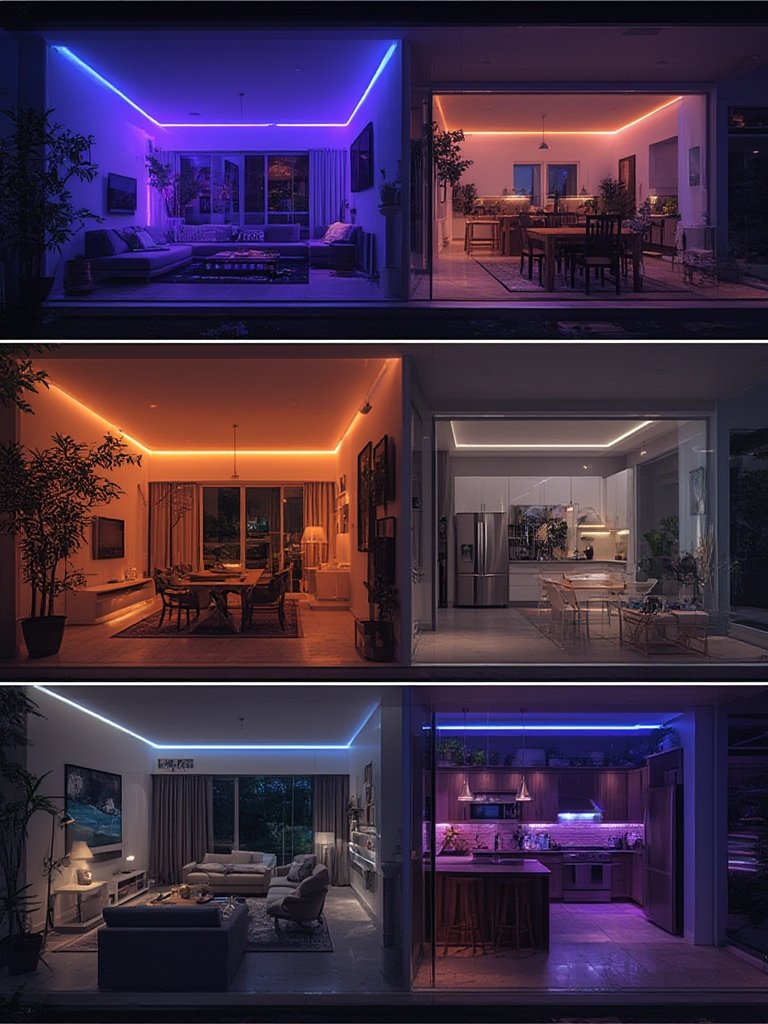
Finally, note that most LEDs last for years, but lifespan depends on heat, bends, and power supply quality. For longevity, avoid frequent on-off cycling and excess voltage. Very few brands back their strips with robust warranties — something to weigh if your installation is in a hard-to-reach spot.
For more troubleshooting tips, see our LED strip light failure solutions article.
Conclusion
Smart LED light strips deliver incredible ambiance and modern convenience, but the right outcome depends on picking compatible products, planning your install, and understanding the tradeoffs between entry-level and premium options. Keep in mind connectivity and longevity as part of your buying process so you enjoy your new lighting beyond the first week.
Ready to upgrade? Review your options, check fit for your smart home ecosystem, and choose the Smart LED Light Strips that will bring your setup to life. Start your project today.
If you’re considering upgrading more lighting, visit our curated list of best kitchen lighting upgrades for room-by-room inspiration.
Frequently Asked Questions
How long do smart LED light strips typically last?
Most LED light strips are rated for tens of thousands of hours. If properly installed and not exposed to high heat or power surges, you can expect 5–10 years of regular use.
Can I cut or extend my smart LED light strip?
Most strips are cuttable at marked points. You can extend them, but always check the maximum supported length for your power supply or controller to avoid voltage drops.
What is the best way to control these lights—Wi-Fi or Bluetooth?
Wi-Fi offers broader remote access and better smart home integration. Bluetooth is simpler for single-room use. Many modern strips support both for flexibility.
Do all smart LED light strips work with Alexa or Google Assistant?
No. Always confirm compatibility on the product listing. Some brands only support one platform, while others offer integration with both and Apple HomeKit.
Why is my smart LED strip not sticking well?
Poor surface prep or low-quality adhesive are usual causes. Clean and dry the mounting surface before installation, and consider using extra mounting clips for support.