


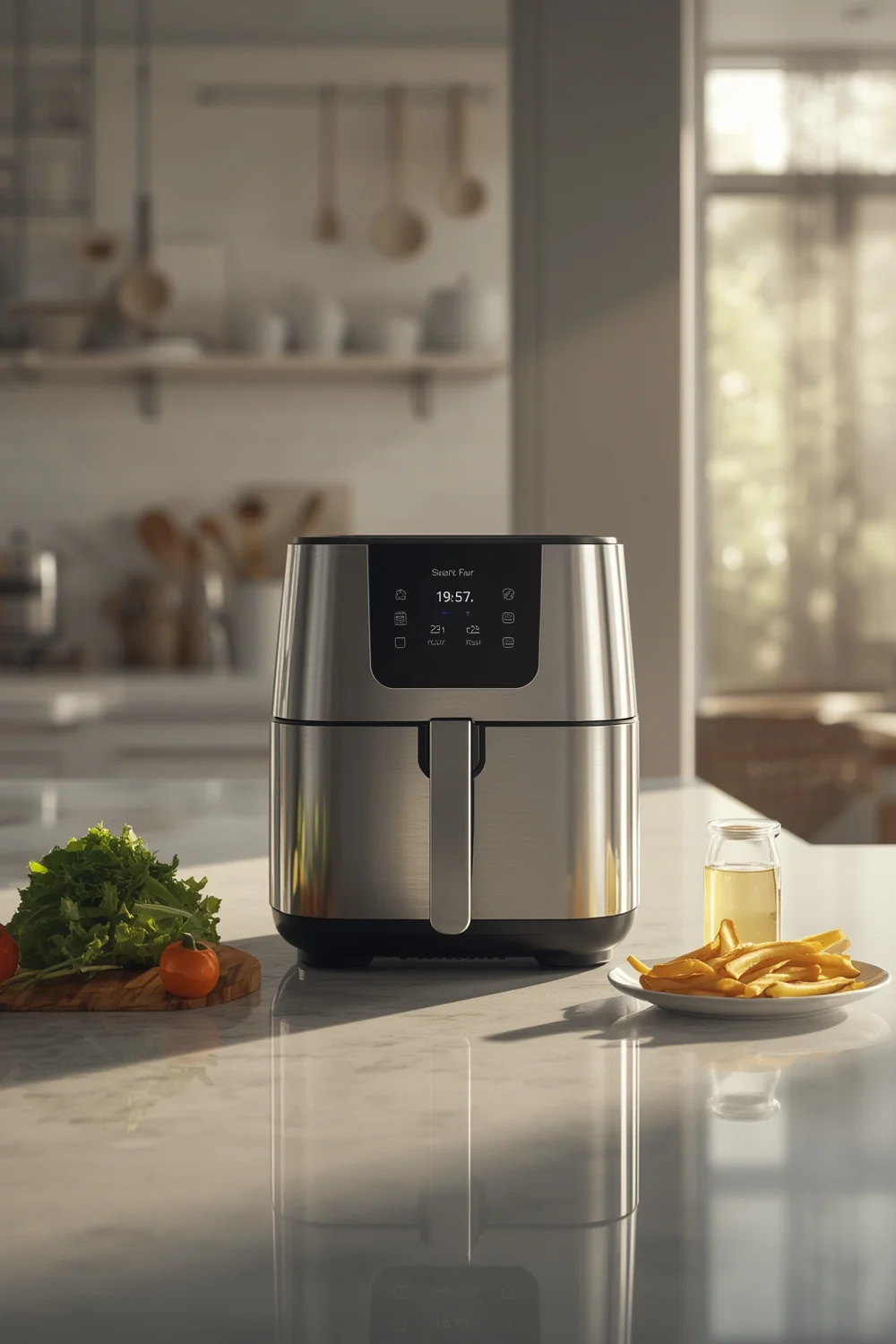
Smart Air Fryer technology is taking over modern kitchens, changing how we cook with WiFi connectivity, app controls, and voice integrations that traditional devices just can’t match.
Key Takeaways
- Smart air fryers now hold over 60% global digital fryer market share, especially in tech-forward regions like North America.
- Top brands—Ninja, Cosori, Midea, and Samsung—offer models with WiFi, app integration, and even dual cooking zones, but detailed specs vary.
- No official reports detail current user complaints or security risks, so buyers should remain vigilant as features evolve.
- What is a Smart Air Fryer and Why They Matter
- How to Set Up and Use a Smart Air Fryer: Step-by-Step
- Advanced Analysis & Common Pitfalls (2024)
- Conclusion
- Frequently Asked Questions
What is a Smart Air Fryer and Why They Matter
Smart air fryers look similar to standard digital air fryers but integrate WiFi, Bluetooth, and app-based controls to transform the cooking process. These devices let you monitor and adjust settings directly from your smartphone or through voice commands using assistants like Alexa or Google Home.
The motivation is clear: improved convenience, better scheduling, access to guided recipes, and peace of mind when multitasking. In 2024, global air fryer sales hit $1.07 billion, with digital and smart models taking over. North America alone drives 35% of this demand, thanks to ongoing trends in smart kitchen adoption and tech upgrades.
While smart air fryers are becoming a staple alongside devices like portable blenders and ice bath tubs for recovery, it’s important to assess if the extra features actually solve your real kitchen problems.
How to Set Up and Use a Smart Air Fryer: Step-by-Step
1. Choose the Right Model for Your Kitchen
Research top brands like Ninja, Midea, Cosori, and Samsung. Decide what features matter most—dual cooking zones, recipe integration, or compatibility with your current smart home apps.
2. Unpack and Inspect All Components
Confirm all parts are present: main unit, baskets, racks, and WiFi setup instructions. Register your device online for warranty and support if the brand requires it.
3. Download and Install the Companion App
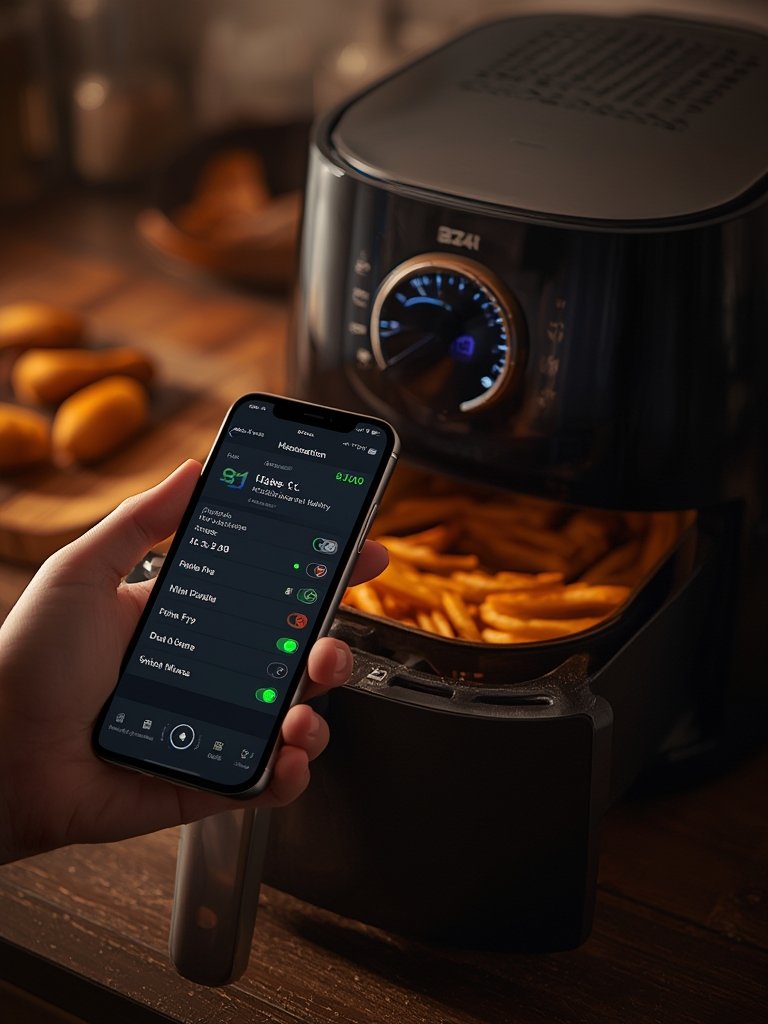
Find the brand’s official app in the App Store or Google Play. Apps like VeSync, SmartThings, or proprietary ones from Midea or Ninja usually provide the latest controls and recipes. Create an account for updates and features.
4. Connect to WiFi and Pair the Device
Place your air fryer near a strong 2.4 GHz WiFi signal—these devices rarely support 5 GHz. Follow the app’s guided setup and connect using your home network—avoid hidden SSIDs or complex passwords that may block setup.
5. Run a test run Before First Use
Use the “test run” or “preheat” mode with a non-food item like toast or a potato. This helps calibrate sensors and ensures connectivity is stable before you cook a full meal.
6. Explore Voice Commands and Custom Settings
If your model supports Alexa or Google Home, link the air fryer in the respective skills section. Test basic commands to confirm everything is paired before relying on automation for daily cooking.
7. Monitor, Adjust, and Troubleshoot Remotely
Use your app to watch progress, adjust time and temperature, and access cooking stats. If connectivity fails, restart both your router and the air fryer, then re-initiate the app setup sequence.
For more hands-on kitchen upgrades, see our complete recovery guide on ice bath tubs or the health-focused portable blender guide for smoothie convenience.
Advanced Analysis & Common Pitfalls (2024)
Real-world performance of smart air fryers depends on network stability and how often brands update their software. For 2024, there is little verified data about frequent complaints or consistent glitches, but buyers should be cautious about a few practical issues:
- WiFi Connectivity Gaps: Many homes use dual-band routers, but most smart air fryers only support 2.4 GHz bands, which means extra steps during pairing or possible signal interference.
- Limited App Ecosystem: Some brands boast recipe libraries or advanced functions in their advertising, but not all features are available regionally or on every device.
- Potential for App Obsolescence: If the manufacturer discontinues app support or pushes slow updates, future connectivity could break unexpectedly.
Quick Comparison Table: Leading Smart Air Fryers (2024)
| Brand/Model | Wattage | Capacity | App Compatibility |
|---|---|---|---|
| Ninja Dual-Zone | Not specified | Two 3-quart baskets | VeSync (recipes, remote control) |
| Midea Smart (2024) | Not specified | Not specified | Wi-Fi app control |
| Cosori | Not specified | Not specified | VeSync (recipes, monitoring) |
| Samsung | Not specified | Not specified | SmartThings |
Note: Most models fall in the general 800-2175 watt range; always check labels for exact numbers.
Despite increasing demand—especially in North America where CAGRs continue to climb (see market research)—there is still no transparent information on added subscription costs, ongoing app upgrade fees, or service-specific lock-ins. Price research in 2024 remains mostly anecdotal, so shoppers should compare in-store and online offers, watch for bundle deals, and read the small print on app stores for in-app purchases.
On privacy and security, most expert reviews are silent. Common sense applies—use strong passwords, update device firmware regularly, and segment smart kitchen gadgets on a guest network to reduce risk until more specific guidance from manufacturers appears.
If you’re on the fence, reflect on how these risks and unknowns fit with how you use your kitchen tech—or explore alternatives like ice bath tubs for home recovery or tried-and-true portable blenders for daily nutrition.
Conclusion
Smart air fryers are moving from novelty to kitchen essential by giving home cooks the power to monitor, automate, and experiment with meals from nearly anywhere. While the Smart Air Fryer market’s explosive growth is backed by more than smart marketing, not every model is created equal—network limits, software quirks, and unclear pricing are still real risks. Do your homework, start simple, and use tech to streamline your routine, not complicate it. Ready to try a smart air fryer? Compare brands, check app compatibility, and set up your kitchen for the future—one WiFi-connected meal at a time.
Frequently Asked Questions
Can I use a smart air fryer without the app?
Most smart air fryers work in manual mode right out of the box, but you’ll miss features like remote monitoring, guided recipes, and scheduled cooking if you skip the app.
Are there ongoing fees for smart air fryer apps?
Research as of 2024 doesn’t show any required ongoing fees, subscriptions, or app charges for major brands, but always review the app store listing and manufacturer’s terms before setup.
Is it risky to connect a smart air fryer to my home WiFi?
No documented cases of air fryer breaches exist, but users concerned with privacy should create a guest WiFi network and keep firmware updated for best protection.
Why won’t my smart air fryer connect to WiFi?
Most air fryers only support 2.4 GHz WiFi. Double-check your router settings, disable WiFi isolation, and move the device closer to your access point during setup.
What’s the benefit of a dual-zone smart air fryer?
Dual-zone models let you cook two different foods with separate timers and settings, ideal for busy families or meal prep. Check the brand’s app for recipe coordination features.