


Emoji Kitchen has exploded in popularity among social creators and messaging power-users, letting you blend favorite emojis into endlessly unique stickers for chats, memes, and social posts. But using it to its full potential—and understanding its quirks—takes more than just tapping around. This guide gives you everything you need: step-by-step creation, real-world sharing tips, workarounds for iOS and web, and a candid look at technical roadblocks and creative hacks.
Key Takeaways
- Emoji Kitchen lets anyone on Android—or via web—make creative mashups, but combos are image stickers, not Unicode emojis.
- Over 100,000 possible emoji kitchen combos exist as of July 2024, with new stickers added annually—yet not every pairing is supported, and flag emojis are missing.
- Sharing is universal (works on almost any platform), but iOS and accessibility support still lag behind, making web-based or third-party tools essential for some users.
- What is Emoji Kitchen — a quick primer
- Complete step-by-step: Create Emoji Kitchen combos in Gboard
- Common technical limitations & advanced insights
- Conclusion & Creative Prompt Playbook
- FAQ
What is Emoji Kitchen — a quick primer
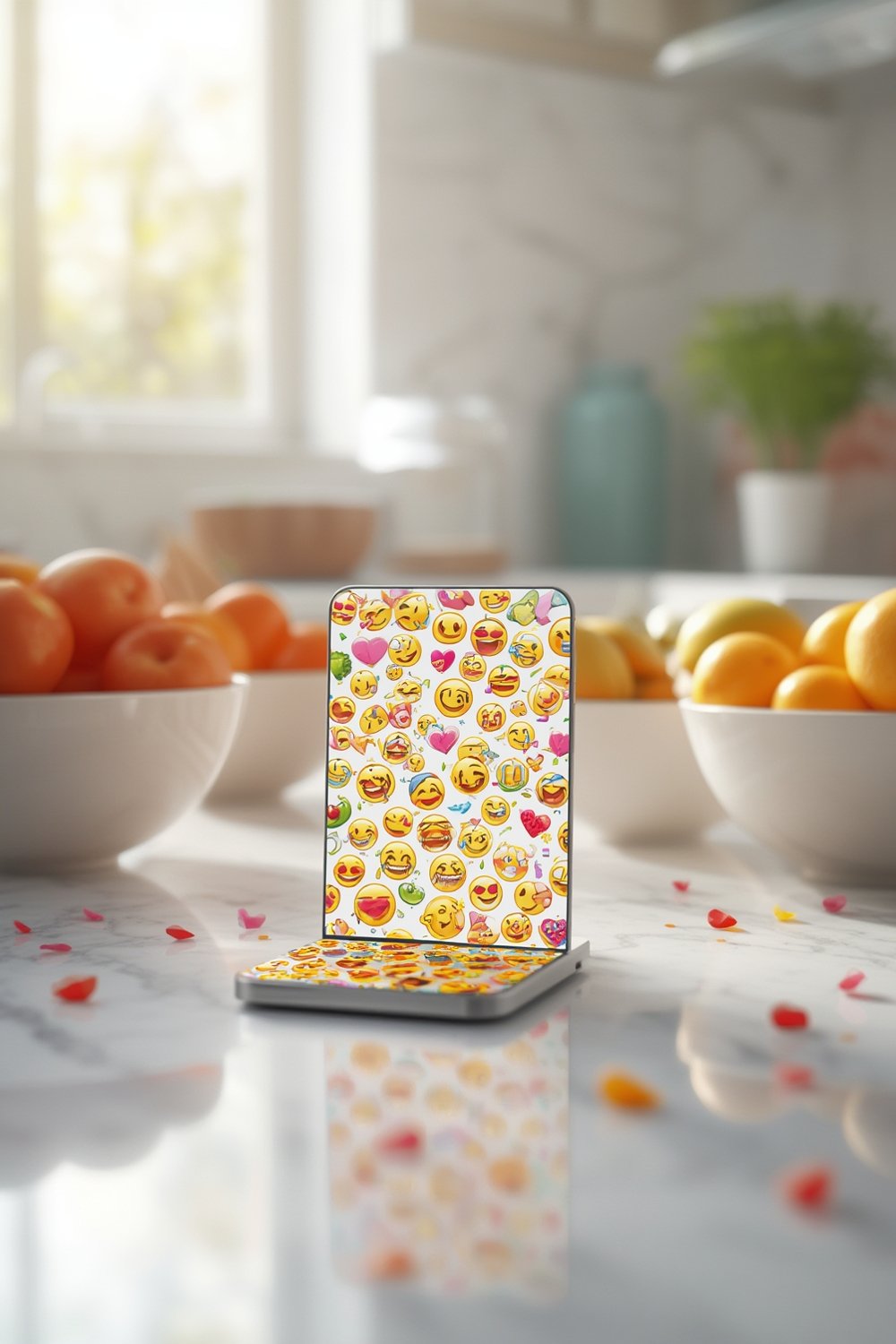
Emoji Kitchen is a creative feature from Google, built right into Gboard (Google’s Android keyboard) and now available via web. It lets users blend two supported emojis into a single, sticker-style mashup that’s quirky, funny, or sometimes just plain weird. Unlike normal emojis, Emoji Kitchen combos are images, not text-based Unicode emojis. This crucial distinction means you can share combos anywhere that accepts images—WhatsApp, Instagram DMs, Discord, iMessage, and more—and everyone will see the exact same sticker, regardless of device or OS. The stickers aren’t native “emojis,” so you won’t find them in your emoji keyboard or as tappable reactions, but you can paste, upload, or drag them as images or stickers within most social and messaging platforms.
Complete step-by-step: Create Emoji Kitchen combos in Gboard
Want to start making wild emoji kitchen combos fast? Here’s the workflow for Gboard on Android, plus the easiest routes on web and iOS:
- In Gboard (Android):
- Open your favorite messaging app (e.g., WhatsApp or Messenger) and tap the chat input box. The Gboard keyboard will appear.
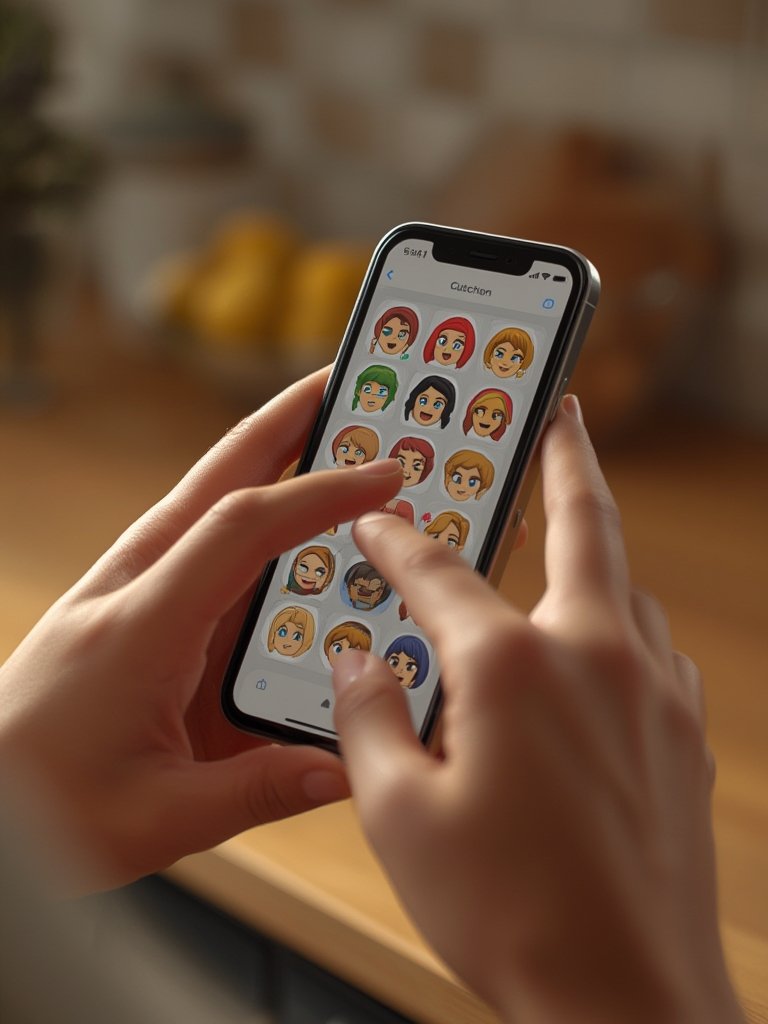
- Tap the emoji icon. Enter two compatible emojis in a row (e.g., 🥑 + 🦄).
- Watch for Emoji Kitchen suggestions above the keyboard—a pop-up will display unique combo stickers.
- Tap your favorite mashup to insert it directly as an image sticker into your message.
- Doubled-up Emojis: Enter the same emoji twice (😂😂) for an exaggerated version—think “super-laugh” or “mega-heart.”
- Hidden Blob Combos: For classic Google Blob designs, type 🪄 (magic wand) or ✨ (sparkles) then a compatible emoji. Some special blobs appear only with these secret triggers.
- Web and iOS Access:
- On any device, try Google Search. Type “emoji kitchen,” then use the “combine” tab to mix two emojis, or explore pre-made mashups on the “explore” tab (added September 2023).
- Open emojikitchen.dev for full web access—works on both Android and iOS browsers, with easy download/sharing options.
- For iOS, you can download third-party Emoji Kitchen apps (like “Emoji Kitchen – Emoji Mix” by Braly), but always check for privacy and quality reviews.
- Copy, Paste & Share:
- Once your combo is ready, you can tap to insert it in chat, or long-press/save and share as an image anywhere you like (even upload to Instagram Stories, Discord, or as WhatsApp Stickers).
Common technical limitations & advanced insights
Emoji Kitchen seems limitlessly fun, but real-world use uncovers both creative power and frustrating blind spots. Here’s what to expect, plus high-value hacks few cover:
What works… and what doesn’t
| Feature/Topic | Supported? | Notes |
|---|---|---|
| All emoji pairs (inc. flags) | No | Combinations are hand-drawn; flags, skin tones, certain symbols are missing |
| AI/auto-generated combos | No | Every mashup is artisan, not dynamically generated |
| Share as native emoji | No | Images only, so acts like a sticker across all platforms |
| Copy/paste stickers cross-platform | Yes | Works anywhere that accepts images (WhatsApp, iMessage, IG, Discord, Telegram, etc.) |
| iOS/other keyboards | Web/Apps only | No official Gboard Emoji Kitchen for iOS; try web (emojikitchen.dev or Google Search) or third-party apps |
| Blob emoji art | Hidden only | Unlock with 🪄 or ✨ triggers, not in regular UI |
| Accessibility (screen readers, colorblind mode) | No/Unknown | No evidence of support; accessibility for non-sighted/color-blind users is an open issue |
Biggest User Complaints (and Fast Fixes)
- Limited compatibility: Not all emoji pairs work. Workaround: Use emojikitchen.dev to explore supported combos instead of trial/error.
- Too many steps in Gboard: UI friction annoys power users. Workaround: Bookmark Google Search’s emoji kitchen combine tab for near-instant access or set a homescreen shortcut to emojikitchen.dev on iOS/Android.
- No official iOS integration: Only web/third-party app access for iPhone/iPad. Workaround: Use browser tools or grab sticker images, then drop into iMessage, Telegram, etc.
- Flag emoji missing: If you want to mix country flags, you’re out of luck. No current workaround—these are intentionally unsupported.
Update Cadence & Evolution
- Launched in early 2020 for Android Gboard with a few thousand hand-drawn mashups.
- Summer 2021: Added hidden blob-inspired designs (unlocked by 🪄 or ✨).
- September 2023: Rolled into Google Search with user-friendly “combine” and “explore” tabs (great for desktop/iOS access).
- July 2024: Surpassed 100,000+ unique sticker combos.
- September 2025: Further expanded (details to be confirmed).
Update pace isn’t publicly documented, but expansion has been frequent—expect more hand-crafted combos, especially for trending memes.
Hidden Tricks & Pro-Grade Workflows
- Blobs via triggers: Use 🪄 or ✨ plus a compatible emoji for classic Google Blob faces—the nostalgia hit for emoji veterans.
- Batch combos for custom memes: Make several stickers, then edit them together in apps (Canva, Photoshop Express) for custom multi-stage art or meme collages.
- YouTube Shorts coming soon: “Emoji Kitchen Effect” is hinting at a new workflow in Shorts, where tilting your head triggers Emoji Kitchen stickers in real-time. (Watch Google’s product news for updates.)
Accessibility & What’s Still Missing
- No settings exist for screen reader hints or colorblind-optimized visuals. Sharing relies solely on images—potentially problematic for non-sighted users.
- Pro Tip: If accessibility is vital, consider adding alt text to shared stickers or pairing combos with descriptive captions.
Costs, App Requirements, & Trusted Sources
- Official Emoji Kitchen is always free—via Gboard (Android) or via web/Google Search.
- No payment tiers or in-app costs for advanced features from Google itself. Third-party apps (like “Emoji Kitchen – Emoji Mix” by Braly for iOS) generally offer free downloads but check for reviews before installing.
- emojikitchen.dev offers safe, fast browser access and direct sticker downloads for all platforms.
Looking for more creative home or kitchen tools? See our portable blender guide or grab inspiration on organizing your kitchen with our magnetic spice rack tips.
Conclusion & Creative Prompt Playbook
The Emoji Kitchen is a mashup powerhouse—not a perfect one, but a free and distinctly human take on emoji creation. Stickers are always images (never Unicode) so what you see is what everyone gets, no matter where you share. But, platform gaps remain: iOS users need web or third-party tools, and accessibility for blind/color-blind creators is still a big hole. For the most fun, try doubled-up emojis, hunt hidden blob triggers, and chain workflows into your custom assets or memes. For the kitchen creators out there—if you like neat tricks in your tools, see how a smart air fryer or an ice bath tub can power up your day—just like the right emoji sticker at the right time. Jump in, remix, and share your Emoji Kitchen combos—creative prompts below!
8 Quick Creative Emoji Kitchen Prompts
- 😂😂 (double-laugh: try max exaggeration)
- 🪄🐸 (magic wand + frog—hidden blob trigger!)
- 🍕🦄 (pizza + unicorn—perfect for parties)
- ✨🐵 (sparkles + monkey—retro blob art)
- 🌭🥒 (hotdog + cucumber—for food humor)
- 👻👻 (double ghost—spooky remix)
- 🐶🦁 (dog + lion—animal mashup)
- ❤️❤️ (double heart for a huge, bold sticker)
Try these in Gboard or at emojikitchen.dev and screenshot your favorites!
Ready to create your own? Experiment, screenshot, and share your wildest combos. Tag your friends—or drop us a comment with your most viral sticker!
FAQ
Can I use Emoji Kitchen on iPhone or iPad?
There’s no official Gboard integration for Emoji Kitchen on iOS, but you can access most features with web tools like emojikitchen.dev or Google Search’s Emoji Kitchen tabs. You can also try free third-party apps (“Emoji Kitchen – Emoji Mix” by Braly, for example), but results may vary.
Why don’t all emoji pairs work in Emoji Kitchen?
Every combo in Emoji Kitchen is drawn by an artist—not AI-generated—so only certain emoji pairs (over 100,000 as of July 2024) are available. Some, like flags, simply aren’t supported at all.
Are there any costs or advanced features to unlock in Emoji Kitchen?
No—there are no fees or paid tiers for the standard Emoji Kitchen experience through Gboard or Google Search. Some unofficial apps may include ads, but official image mashups are free.
Can I turn Emoji Kitchen stickers into “real” emojis?
No—Emoji Kitchen combos are images (not Unicode). You can use them as stickers or images anywhere, but you can’t insert them as native emoji in text.
What’s the fastest way to find supported Emoji Kitchen combos?
Visit emojikitchen.dev or use Google Search’s combine tab to explore every available sticker—no more guessing or endless trial and error in Gboard.