


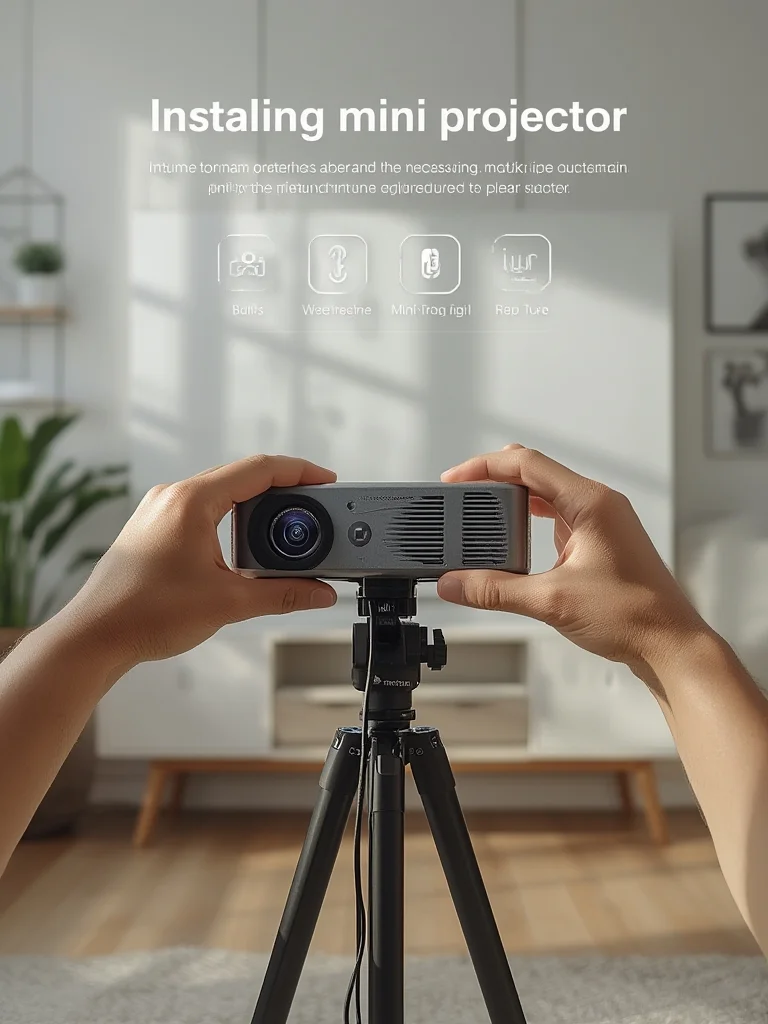
Mini Projector technology has transformed home entertainment by making it portable, affordable, and easy to set up—even in tight spaces. But before you bring a big screen experience to your living room or next backyard party, it’s important to understand market trends, real-world performance, and common issues so you get the most value for your money.
Key Takeaways
- The mini projector market reached up to USD 1.86 billion in 2024 and is driven by home entertainment demand in urban and small living spaces.
- Critical specs for home use are native resolution, brightness (lumens), battery life, and wireless connectivity—yet most reviews skip real benchmarks.
- Set up and image quality issues are common but avoidable with practical steps and awareness of potential pitfalls.
- What Is a Mini Projector and Why Choose One?
- How to Set Up a Mini Projector for Home Entertainment: Step-by-Step
- Advanced Analysis & Common Pitfalls
- Conclusion: Should You Buy a Mini Projector?
- FAQ
What Is a Mini Projector and Why Choose One?
A Mini Projector is a compact, lightweight version of a standard projector. It’s designed for portability, wireless streaming, and quick setup on any flat surface. The main appeal versus a TV is freedom: you’re not tethered to a single room, wall, or even a power outlet (many models include built-in batteries).
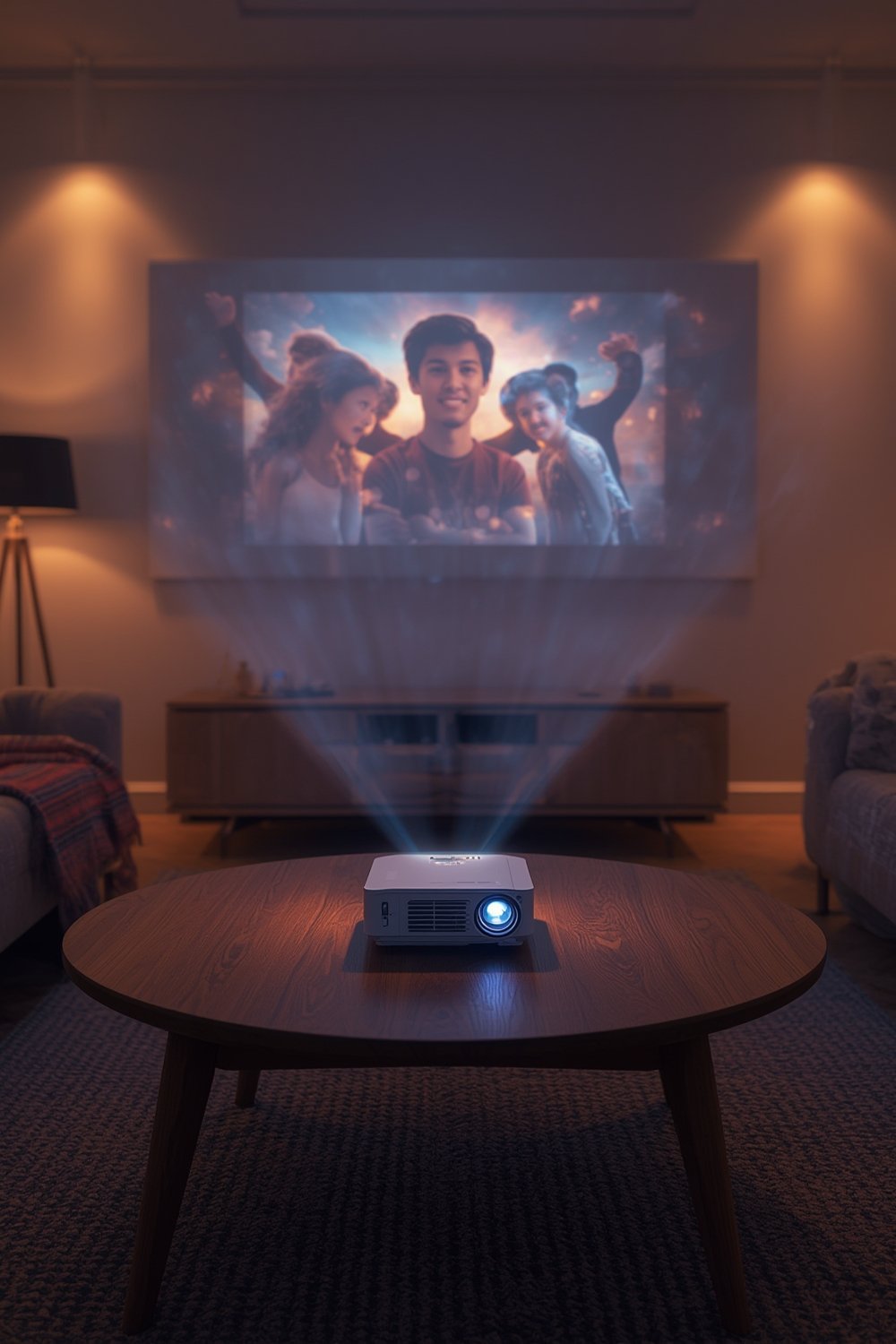
In 2024, demand for mini projectors surged, especially in North America (holding 40% of market share) and urbanized Asia Pacific areas. The trend is clear: more consumers want streaming and gaming experiences almost anywhere, even in small apartments. The average price landed around USD 165 globally (Market.us). For about the cost of a mid-range soundbar, families are getting 70–120 inch images in spaces where a big-screen TV would never fit.
But these devices aren’t perfect. While home entertainment is the primary driver (up 15% in 2023), reviews and user questions show most buyers are unsure about what really matters: picture brightness, sound quality, setup, and whether the purchase will actually outperform a Smart TV or tablet.
If you’re considering a mini projector, understanding these factors helps avoid frustration or wasted money. See our comparison of projector technologies for deeper insights.
How to Set Up a Mini Projector for Home Entertainment: Step-by-Step
Setting up a mini projector takes minutes—but doing it well takes a bit more planning. Here’s how to maximize your experience, even if you’ve never owned one before:
-
Unbox and Check All Accessories:
Typical kits include a power cable/adapter, remote, and sometimes a tripod or mini stand. Make sure your model includes HDMI and USB inputs for flexibility (see our accessories checklist). -
Charge or Plug In:
Many portable projectors have built-in batteries (2–4 hours). If yours supports USB-C power, use a high-output charger to avoid dimming. For movie marathons, plug in directly. -
Choose Your Location:
Mini projectors can sit on a table, shelf, or tripod. The key is stability and a straight alignment with your projection surface. A clean, white wall is fine but a dedicated screen yields better color and brightness. -
Connect Your Source:
Most projectors support HDMI (for laptops, game consoles, media sticks), USB flash drives, and wireless casting (Miracast, AirPlay, or built-in Android TV). Make sure your Wi-Fi connection is strong for streaming. -
Adjust the Focus and Keystone:
Manual focus is standard; higher-end mini projectors may offer automatic keystone correction for angled setups. Take time to get a sharp, rectangular image before inviting friends over. -
Sound Setup:
Internal speakers are usually weak. For movie nights, connect Bluetooth headphones or a portable speaker. Some projectors support audio-out, which is ideal for home theater setups. -
Test in Dark and Light Conditions:
Evaluate usability during the day and at night. If brightness is insufficient, try different spots, adjust image size, or wait for dusk.
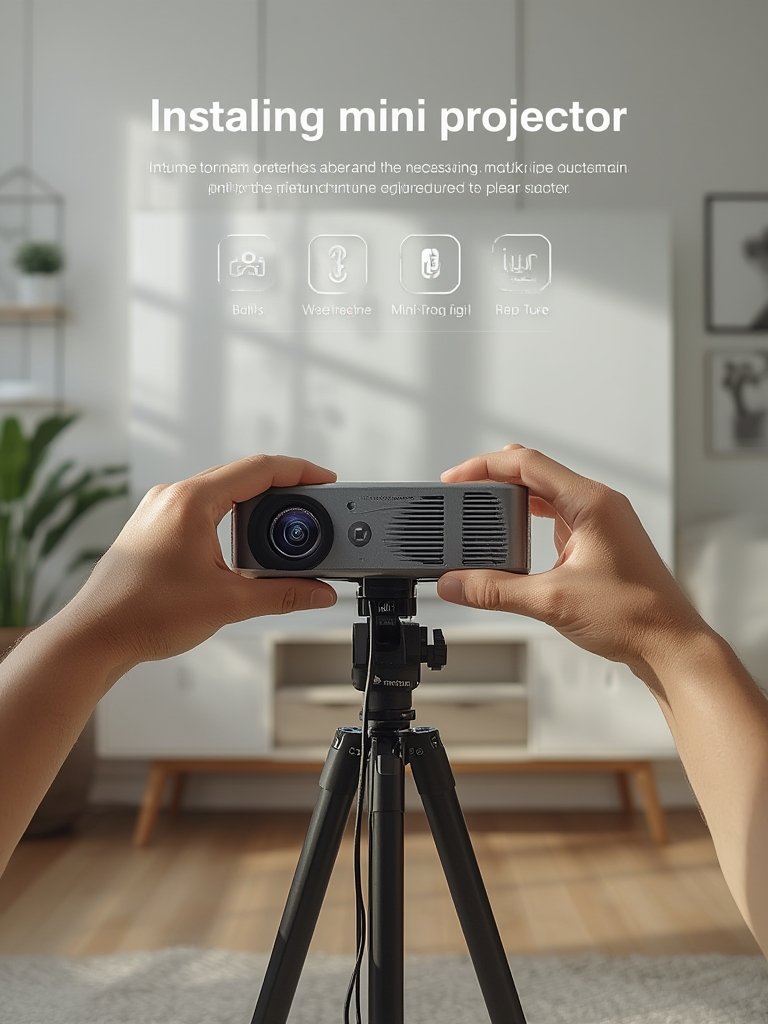
Essential Setup Tips:
- Keep a power bank handy if your model charges via USB-C.
- Position the projector perpendicular to the screen for the best geometry.
- Use an extension cord or a mobile stand to place it anywhere in the room.
For more on getting the best picture in small spaces, read our dorm room projector setup guide.
Advanced Analysis & Common Pitfalls
While mini projectors are great for flexibility and price, they come with several tradeoffs. Most buyers report issues only after their first few uses, so a realistic look at pitfalls helps you decide:
- Brightness: Most models range between 200–500 ANSI lumens—fine at night, weak in daylight. If your room isn’t fully dark, expect washed-out images.
- Resolution: Entry projectors often claim “1080p support” but their native resolution may be 480p or 720p. For crisp images, only consider true 720p or higher. WUXGA and real 1080p models gained ground (up from 12% to 21% market share in 2024; Market.us).
- Sound Quality: Tiny built-in speakers can’t fill a room. You’ll get an upgrade with headphones or a Bluetooth soundbar.
- Connectivity: Not all models handle Netflix or proprietary streaming apps out of the box—check compatibility or consider an external media stick.
- Battery Life: Real-world runtime often falls short of specs (some last under 2 hours at high brightness).
- Setup Frustrations: Keystone and focus adjustments are usually manual. Setup takes patience, especially for beginners.
Use this comparison table to see how mini projectors stack up versus traditional home devices:
| Feature | Mini Projector (Avg. 2024) | Smart TV | Tablet |
|---|---|---|---|
| Screen Size | 40–120″ (flexible location) | 24–85″ (fixed) | 7–12″ (portable) |
| Brightness | 200–500 ANSI lumens | >1000 nits | >400 nits |
| Battery Life | 1.5–4 hrs (portable use) | N/A | 8–12 hrs |
| Sound | Basic mono or stereo | Integrated, loud | Built-in, private |
| Price | ~$165 (avg, global 2024) | $300–$1300 | $250–$1000 |
| Best Use | Movies, gaming, travel | General home viewing | Personal media, on the go |
Market analysis from Precedence Research agrees: for flexible home theaters, mini projectors provide unbeatable value, but come with tradeoffs in brightness and sound at this price.
If you run into problems, our projector troubleshooting guide has quick solutions for common setup issues.
Conclusion: Should You Buy a Mini Projector?
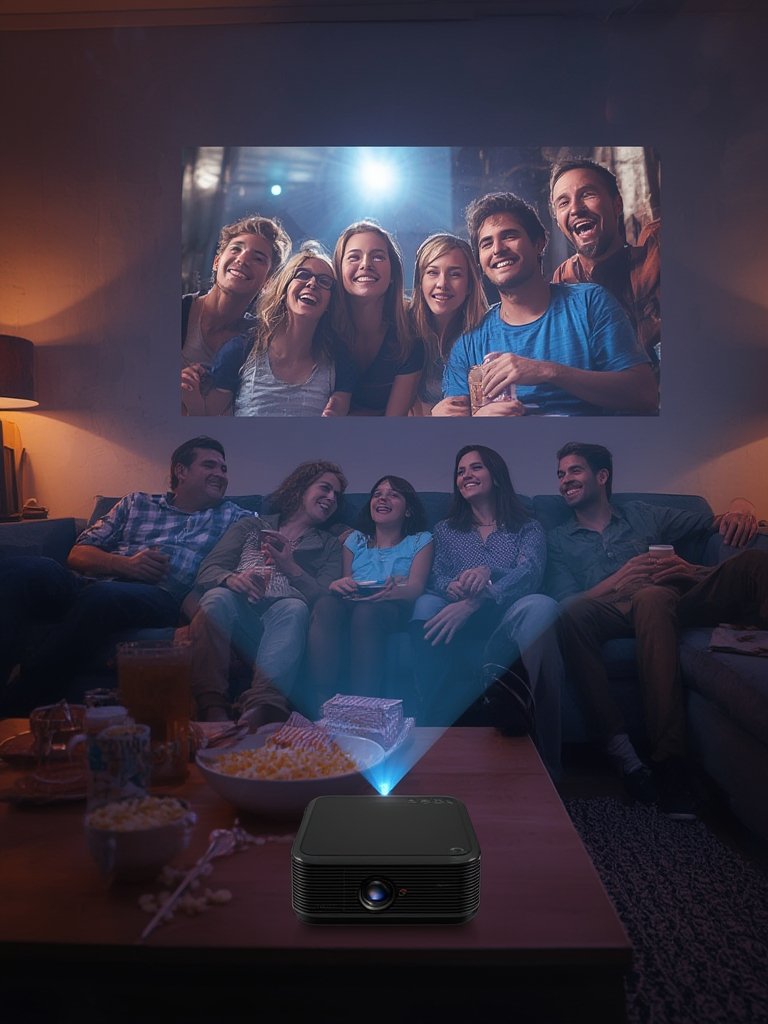
Mini projectors make immersive, large-screen entertainment possible anywhere—even with limited budget or space. If you understand their real-world brightness, sound, and setup needs, there’s no better way to bring movies, sports, or games to life. Do your research on technical specs, test in your actual room, and remember that even the best mini projector works best at night or in low-light settings. Ready to start? Check our expert picks for the best mini projectors of this year and see which models deliver real performance for you.
FAQ
How bright should a mini projector be for home use?
For dark rooms, 150–300 ANSI lumens is usually enough. For daytime use or any ambient light, aim for at least 400 ANSI lumens. Always check for “ANSI” or “ISO” lumens, not generic “lamp lumens,” which are often inflated.
Can a mini projector replace a smart TV?
Sometimes, yes. If you mainly watch movies at night and want a bigger screen in a small or flexible space, a mini projector is a good smart TV replacement. But for broad daylight viewing, ease of use, or louder integrated speakers, a smart TV wins.
What’s the typical lifespan of a mini projector?
Modern LED and laser mini projectors often last 20,000–30,000 hours—several years of daily use. Battery health and dust are the main issues with very compact models.
Are mini projectors easy to set up for beginners?
Yes, basic setup is simple: just add power, plug in your source, and focus. But beginners may struggle with keystone correction, setting up streaming, or finding the ideal spot for sharp images. Our installation guide covers key first-timer pitfalls to avoid.
What are the best ways to improve sound on a mini projector?
Connect Bluetooth speakers or use the audio-out jack for best results. Internal speakers usually lack bass and volume, so even a modest portable speaker will be a huge upgrade.